My user account is locked out
Wait 15 minutes and try again. If you think you have forgotten your password, please click on the ‘forgot password’ link.
How do I download my invoices?
All paid and unpaid invoices are available for download in the Member Centre (for members), the Institutional Member centre (for purchases billed to a member institution), or My Profile (for non-members). Navigate to this area (located in the top right hand corner of page for members and non-members alike. Please ensure you are logged into your account.)
Once you are in the Member Centre/My Profile section, navigate to the My Purchases tab. There are four sections within this tab: Open Invoices, Orders Awaiting Invoices, All Invoices, and Historical Membership Invoices.
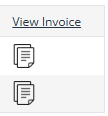
Under All Invoices subsection you will see a list of all of your invoices listed in a table, with one column at the end of the table titled View Invoice. This column will have icons/pictures that look like sheets of paper next to your invoices. Click the icon next to the invoice you want to download.
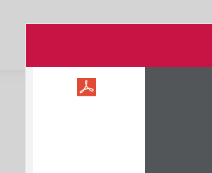
Clicking this icon will open a popup that shows your invoice information. In the top left hand corner of this popup you will see a small red square icon, it looks like the Adobe Acrobat logo. Click this icon to export the invoice to PDF.
I've changed my email and now can't login?
If you have updated your email addddss and can't login, you will need to email us at [email protected]